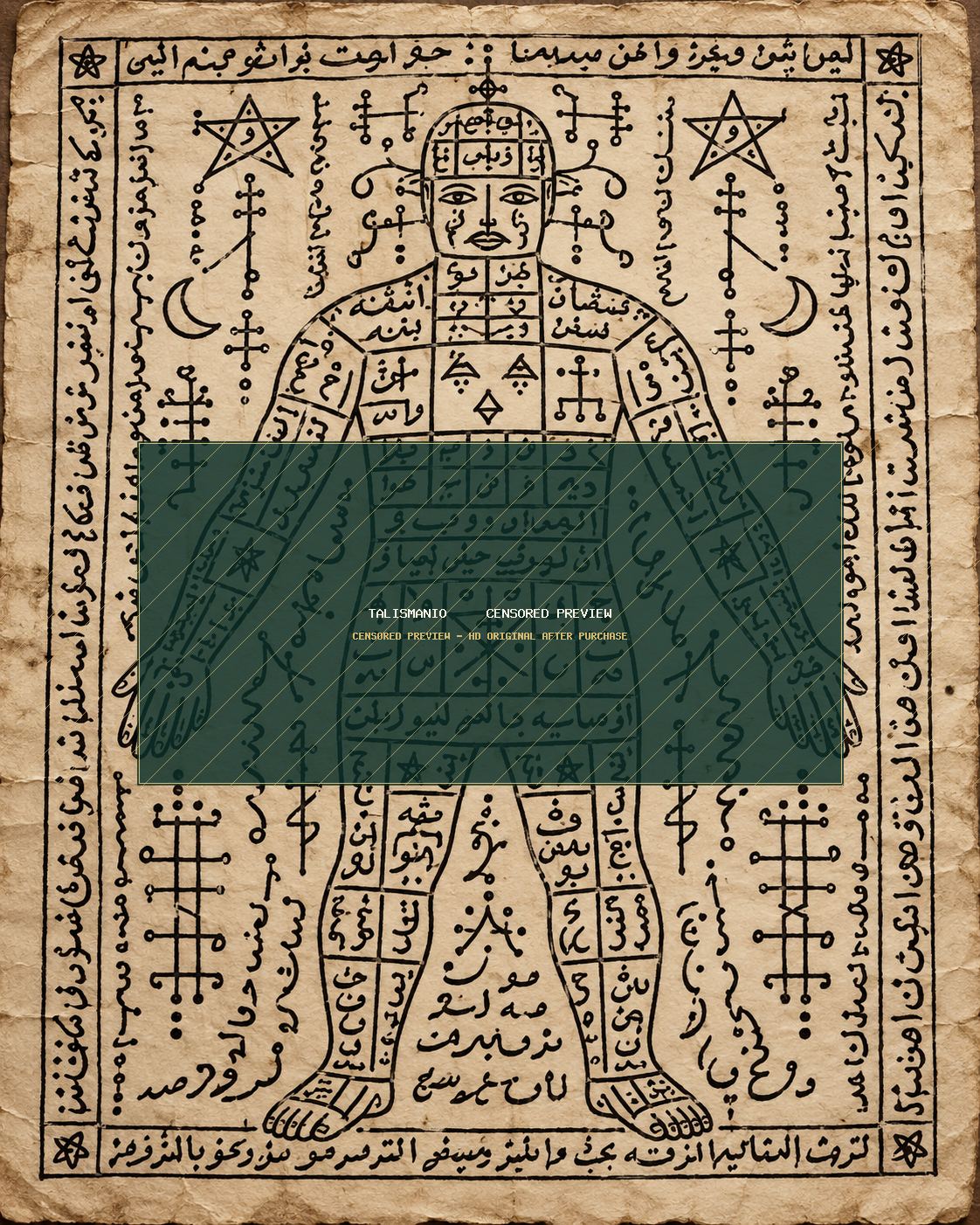
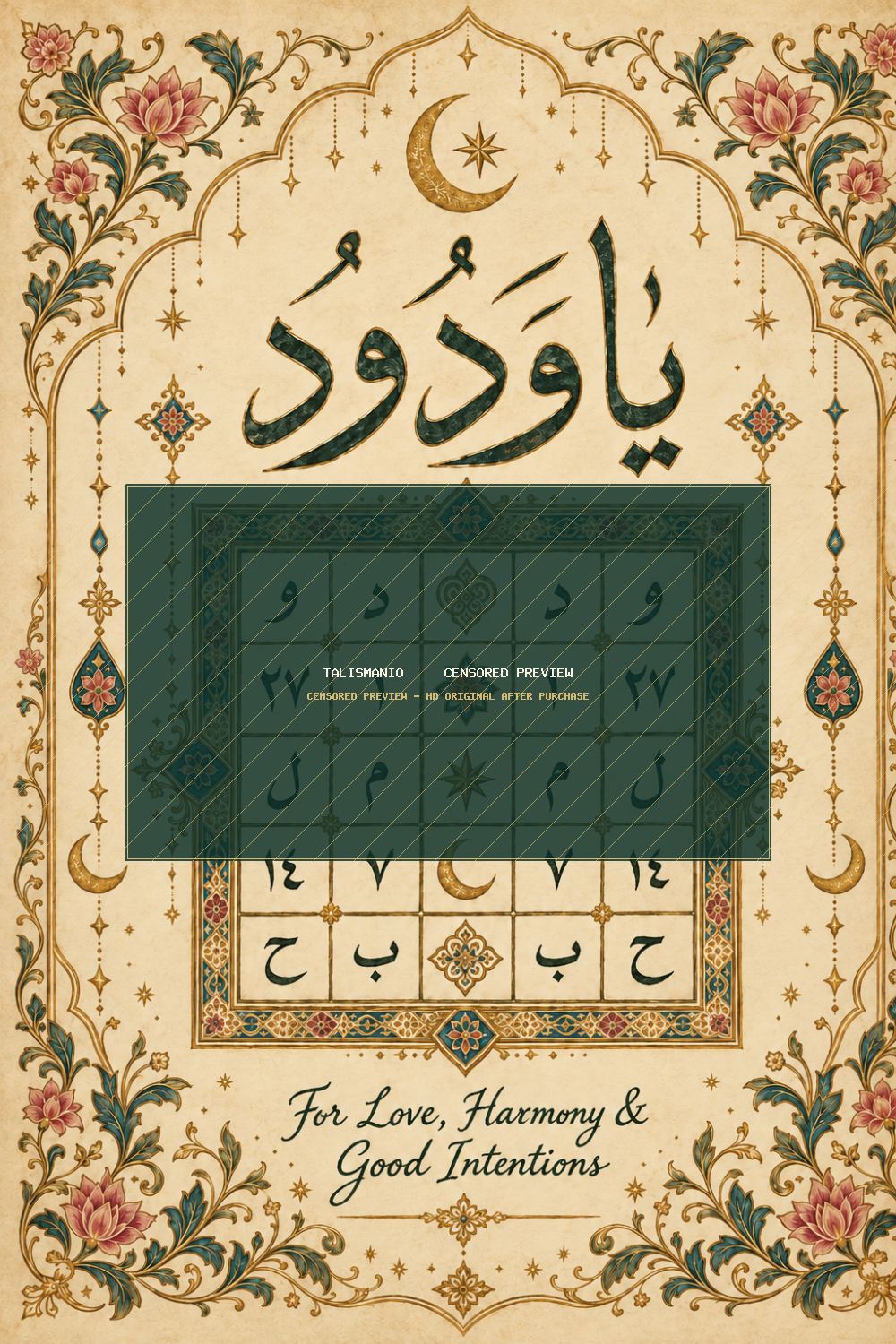
Start with the highest-resolution file included in your order. PDF is convenient when the seller has already prepared a page layout. PNG is excellent for sharp linework and transparent or flat-color backgrounds. JPG is broadly compatible and easy to print from phones, computers and photo services.
For a wallet card, print a test copy on inexpensive paper before using specialty stock. Measure the pocket where you plan to keep the card and scale the design so important borders are not cut off. Keep the printer set to high quality and avoid “fit to page” if it makes the design too large.
Cream, ivory and parchment-style paper create an antique look. Heavy matte paper gives a sturdier card. If the design has very fine black handwriting, avoid heavily textured paper that can break up small details. A print shop can often produce a cleaner result than a basic home inkjet.
After printing, let the ink dry completely. Trim with a straight edge or paper cutter. If the design will be carried daily, place it in a thin sleeve or protective pouch to reduce wear. Avoid laminating if you prefer a traditional paper feel.
Talismanio digital listings identify the file types included and can show optional use guides such as wallet, bedside, framed display, taweez case, journal or private storage. Always follow the actual product contents shown on the listing you purchase.